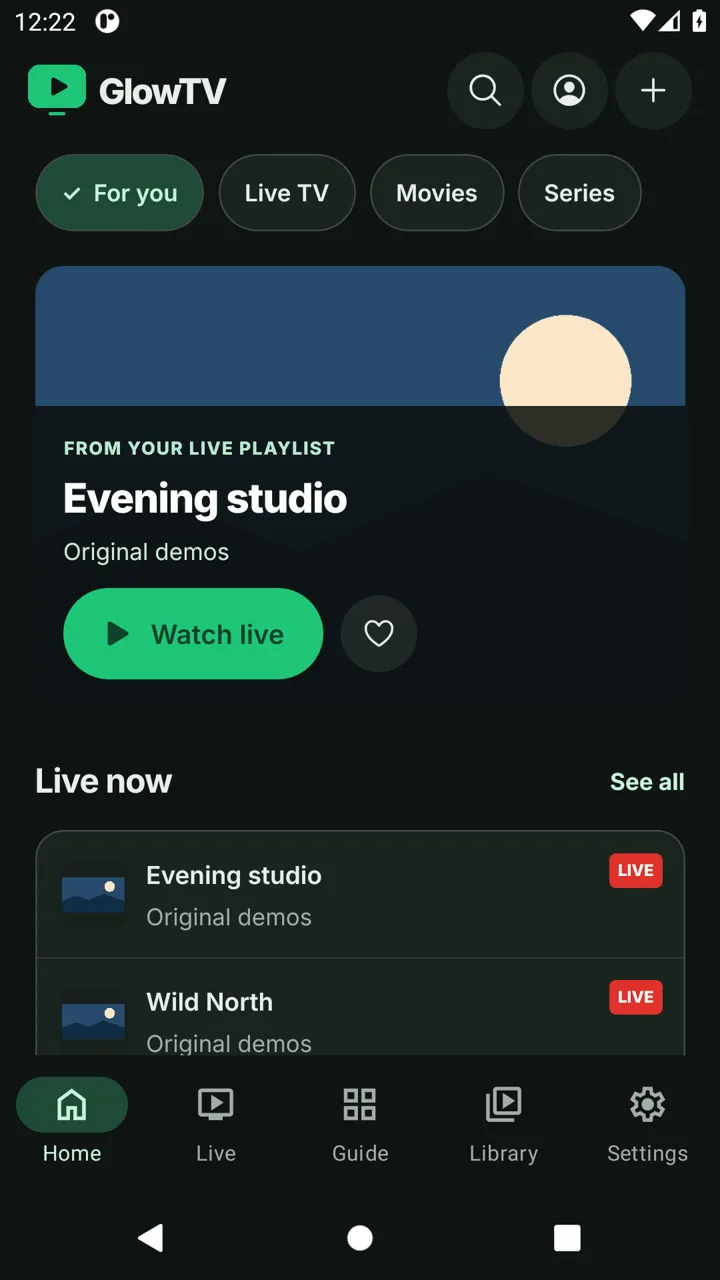
A guide that makes sense
Browse live channels beside their XMLTV schedules. See what is on now and plan what to watch next.
 Download
Meet GlowTV Your TV, beautifully lit.
The beautiful IPTV player for iPhone, Android and TV
Download


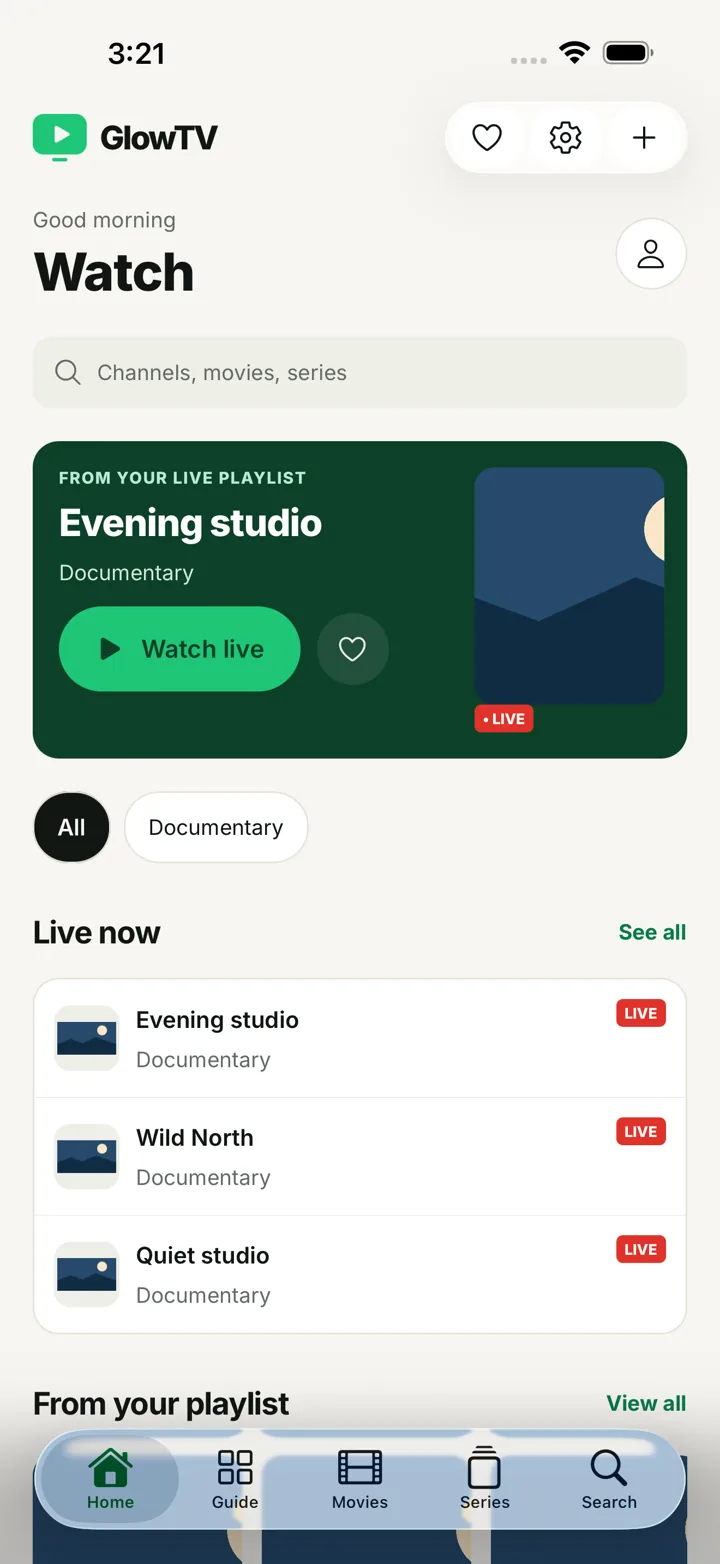
Bring your playlist. Feel at home.
*Compatible native playback on iOS. Stream and engine support varies.
Less looking. More watching.
Browse live channels beside their XMLTV schedules. See what is on now and plan what to watch next.
Keep provider movies, seasons and episodes in one library, with progress and a next-episode action.
Open completed programmes when your provider includes an eligible catch-up archive.
Save the channels and titles you return to. Pick up your recent viewing without searching again.
Keep separate M3U, file and Xtream profiles, then switch between them without entering details again.
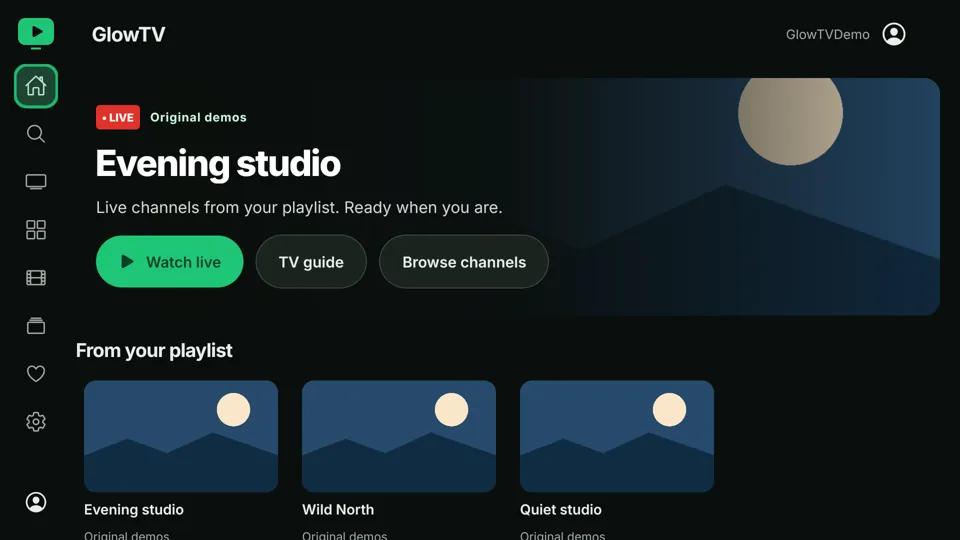
A dedicated TV layout, readable rows and clear D-pad focus help you watch comfortably from the sofa.
Profiles stay on your device. Encrypted export and import help you bring your settings to a new one.
An easy evening starts here
One player. Your favorite screen.
Made for iPhone
Swipe, scroll or use the arrow keys.
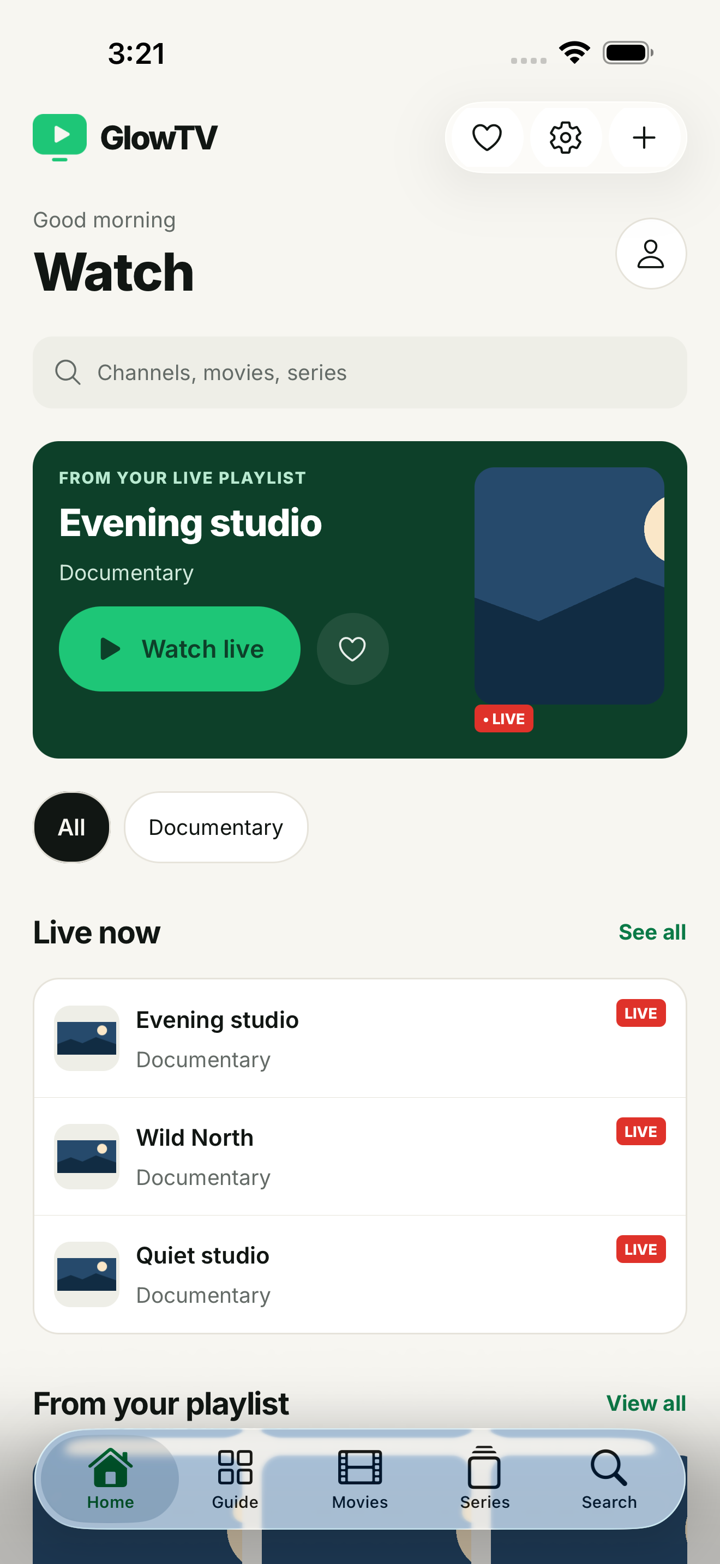


A few useful answers
No. GlowTV is a player only. You add a playlist or server account from a provider you are entitled to use. No channels or subscriptions are included.
Yes. The player is free. Optional support helps its development and does not unlock channels or features. Your content provider may charge separately.
You can connect with an M3U or M3U8 playlist URL, import an M3U file, or sign in to your provider with Xtream Codes. A stream manifest is not a channel playlist.
No. Your provider profiles and settings stay on your device. You can transfer them with an encrypted backup protected by a password you choose.
Add your provider’s XMLTV URL in the Guide. Programme information depends on your provider and matching channel IDs. Empty schedules do not mean the player is broken.
Catch-up is available for completed programmes when your Xtream provider explicitly supports it and the programme is inside its archive window.
No. GlowTV can compare your public IP with a home reference. A changed address is not proof of a VPN or a secure connection.
Compatible native playback on iOS supports AirPlay and picture-in-picture. Availability depends on the stream and playback engine. Chromecast is not currently supported.
Your playlist. A better place to play.